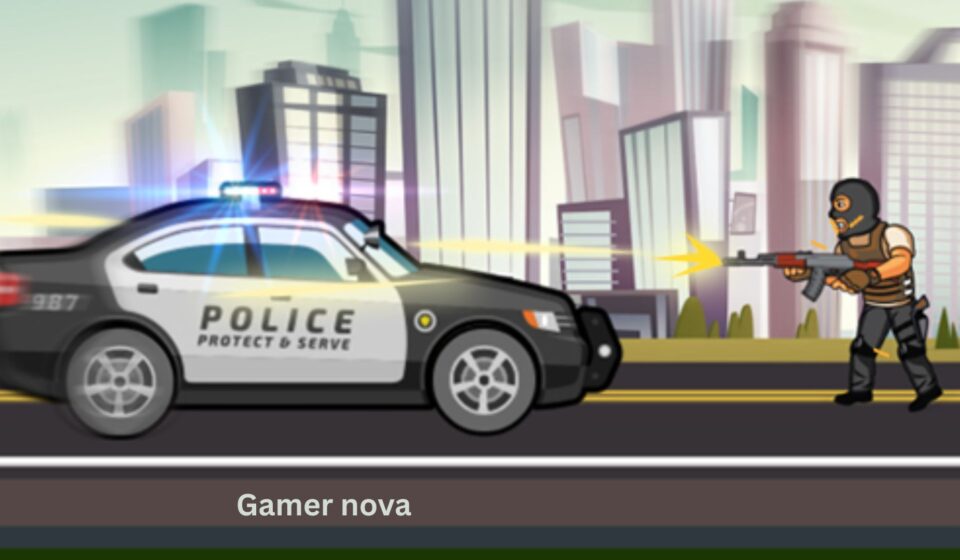

The siren wails. The lights flash. You grip the steering wheel and press the accelerator. Ahead of you, a series of obstacles, ramps, and dangerous gaps stand between you and your mission. This is not a high-speed chase. This is something more challenging.
Welcome to City Police Cars, a fun and addictive driving game from JulGames that puts you behind the wheel of law enforcement vehicles. But forget what you know about open-world police chases. City Police Cars is a level-based driving challenge that tests your precision, timing, and vehicle control.
With 30 unique levels and amazing graphics, this game takes you through a variety of environments and obstacle courses. You will need to jump over gaps, navigate narrow platforms, and avoid falling off the edge. Each level presents a new puzzle: how do you get your police car from the start to the finish in one piece?
But the fun does not stop at driving. You can also buy new vehicles in the garage and upgrade them to improve performance. Faster cars, better handling, and stronger engines will help you tackle the later, more difficult levels.
The best part? You can play online directly in your browser. There is no software to install, no account to create, and no complicated rules. This free browser game works on your computer, and it is also mobile web compatible for iOS and Android devices. So whether you are a car enthusiast or a casual gamer looking for a fun challenge, City Police Cars delivers great fun.
In this guide, we will explain everything you need to become a top police driver. You will learn the objective, gameplay mechanics, controls, key features, and tips for mastering each level. We will also discuss who will enjoy this game the most.
What Is City Police Cars? Game Overview
City Police Cars is a single-player driving and skill game developed by JulGames and published on the GameDistribution platform. It was released in September 2021 and is built using Construct 2 engine, which enables smooth 2D side-scrolling driving action.
The game falls into the “driving skill” or “platform racing” subgenre. Unlike open-world driving games where you can go anywhere, City Police Cars is level-based. Each level is a self-contained obstacle course. Your goal is to drive from the starting point to the finish flag without falling off the track or crashing.
The Police Theme
While you drive police cars, this is not a game about chasing criminals or making arrests. The police theme is cosmetic—you are a law enforcement officer navigating challenging terrain. Think of it as a police training course on steroids. You will encounter jumps, ramps, moving platforms, and other hazards that test your driving precision.
30 Levels of Increasing Difficulty
The game features 30 levels. Early levels are relatively simple: flat roads with a few small gaps. But as you progress, the courses become more complex. You will need to time your jumps perfectly, manage your speed, and sometimes make split-second decisions. Completing all 30 levels is a genuine achievement.
Garage: Buy and Upgrade Vehicles
Between levels, you can visit the garage. Here, you can:
- Buy new vehicles: Different police cars (and possibly other vehicles) become available as you earn in-game currency.
- Upgrade your current vehicle: Improve speed, acceleration, handling, or jump capability. Upgrades are essential for later levels.
This progression system gives you a reason to replay levels to earn more currency and makes the game more than just a simple driving simulator.
Gameplay Mechanics and Controls
The Objective
Your objective in each level is to drive your police car from the start line to the finish flag without:
- Falling off the track (into gaps or off the edges)
- Crashing into hazards (if any)
- Running out of time (if a timer is present)
You earn points or currency based on your performance. Use that currency to buy upgrades and new cars.
How to Play (Step by Step)
- Select a level. Start with Level 1. Later levels unlock as you complete earlier ones.
- Review the course. Look ahead. Where are the gaps? Where do you need to jump? Where are the narrow sections?
- Accelerate. Press and hold the right arrow key (or D key) to move forward.
- Brake or reverse if needed. Press the left arrow key (or A key) to slow down or back up. Sometimes you need to reposition for a better jump.
- Jump. When you reach a ramp or gap, press the up arrow key (or W key) to jump. Timing is critical.
- Land safely. After a jump, be ready to stabilize your car. Land on all four wheels to avoid flipping.
- Reach the finish flag. Drive into the flag to complete the level.
- Collect currency. Each level rewards you with in-game money. Use it in the garage.
Controls
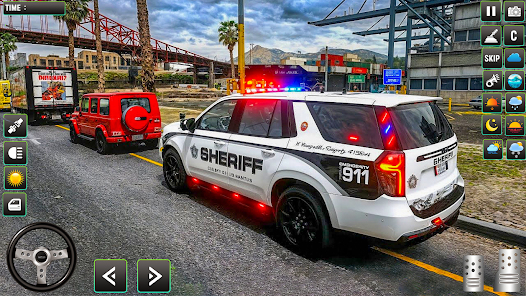
The controls in City Police Cars are simple and responsive, designed for keyboard or touch.
| Action | Desktop (Keyboard) | Mobile (Touch) |
|---|---|---|
| Accelerate / Move Right | Right Arrow Key or D | Tap right side of screen |
| Brake / Reverse / Move Left | Left Arrow Key or A | Tap left side of screen |
| Jump | Up Arrow Key or W | Tap center or swipe up |
| Restart level (if available) | R (check in-game) | Look for restart button |
Note: The official instructions state: “AD/left, right arrows to control car. W or up arrow to jump.” This means you have two control schemes (arrow keys or WASD). Use whichever feels more comfortable.
Key Features
- 30 Unique Levels: Progressively challenging obstacle courses.
- Garage System: Buy new police cars and upgrade performance.
- Simple Controls: Arrow keys or WASD. No complex combinations.
- Jump Mechanic: Timing your jumps is essential for success.
- Side-Scrolling Perspective: Classic 2D driving game view.
- Mobile Web Compatible: Play on touchscreen devices.
- Landscape Orientation: Optimized for wider screens (960×600 dimensions).
- In-Game Currency: Earn money by completing levels, spend on upgrades.
What Makes City Police Cars Fun and Unique?
1. The Perfect Blend of Driving and Platforming
Most driving games are either racing (go fast) or parking (go slow). City Police Cars is neither. It is a driving platformer. You must manage your speed to make precise jumps, just like a character in a platform game. But you also have a car’s physics—momentum, weight, and landing angle. This hybrid genre is rare and refreshing.
2. Progressive Difficulty That Rewards Skill
The early levels are easy enough for anyone to complete. But by Level 20, you will be attempting multi-jump sequences that require perfect timing. The difficulty curve is smooth but demanding. Each level feels like a genuine accomplishment.
3. Upgrades Matter
In many browser games, upgrades are cosmetic or pointless. In City Police Cars, upgrading your car’s speed and jump height is essential for later levels. A fully upgraded car can clear gaps that an un-upgraded car cannot. This encourages replaying earlier levels to earn currency and makes progression satisfying.
4. Variety of Police Vehicles
Starting with a standard patrol car is fine. But unlocking a faster, more agile police interceptor (or even a police SUV with better suspension) keeps the game fresh. Each vehicle may handle differently, adding replay value.
5. Quick, Satisfying Loops
Each level takes between 30 seconds and 2 minutes to complete. This “bite-sized” design is perfect for short gaming sessions. You can play one level while waiting for coffee or play ten levels during a break.
Tips for Beginners (How to Master the Courses)
New to City Police Cars? Here are five tips to help you clear all 30 levels.
1. Master the Jump Timing
The jump is not automatic. You must press the up arrow or W key at the right moment. For a standard ramp, press jump when your front wheels reach the lip of the ramp. For a flat gap with no ramp, you need speed and a perfectly timed jump just before the edge. Practice on Level 1 until you can jump consistently.
2. Use Brakes to Reposition
Sometimes you approach a jump too fast or at a bad angle. Do not be afraid to use the left arrow (brake/reverse) to back up and try again. There is no penalty for taking extra time. Precision is more important than speed.
3. Land on All Four Wheels
If you land on your front wheels only, you may flip over. If you land on your rear wheels, you may lose control. Try to land flat. Use the accelerator or brake in mid-air (if the game allows) to adjust your pitch. A flat landing keeps you in control for the next obstacle.
4. Upgrade Your Car Early
Do not hoard your currency. As soon as you can afford a speed or jump upgrade, buy it. Even a small upgrade makes early levels easier and helps you earn currency faster for later upgrades. Focus on jump height first—many gaps require it.
5. Watch the Track Ahead
Do not stare directly at your car. Look ahead to where the track goes. Anticipate upcoming gaps, ramps, and narrow sections. This “looking ahead” technique is used by real racing drivers and works just as well in this game.
6. Replay Levels for Currency
If you are stuck on a level and cannot afford an upgrade, go back to earlier levels and replay them. You earn currency each time you complete a level. Farming easy levels is a legitimate strategy to buy better upgrades.
Is City Police Cars Suitable for You? (Audience Analysis)
For Kids (Ages 6+)
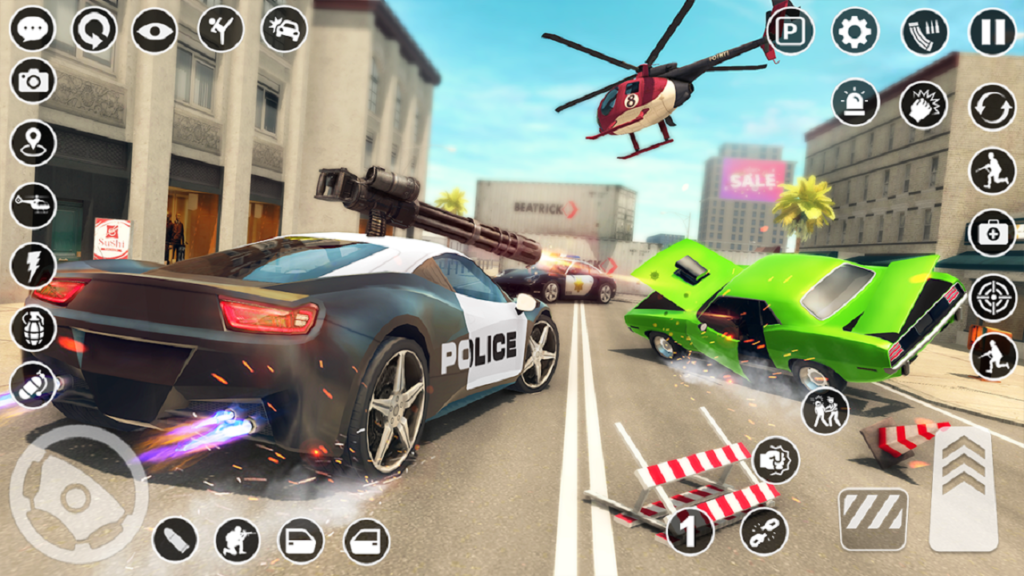
Yes, absolutely. City Police Cars is extremely child-friendly. There is no violence, no blood, no criminal activity (despite the police theme). The graphics are bright and cartoonish. The simple controls (left, right, jump) are easy for young children to learn. The game teaches timing, patience, and problem-solving. Parents should supervise for third-party ads, but the gameplay itself is safe and positive.
For Casual Players
Yes. Casual players looking for a fun, challenging, but not stressful driving game will enjoy this. The level-based structure means you can play in short bursts. The progression system (buying upgrades) gives a sense of achievement without being grindy. The difficulty is fair—challenging but rarely frustrating.
For Hardcore Gamers
Moderately. Hardcore gamers who enjoy precision platformers (like Super Meat Boy or Celeste) may find City Police Cars too simple in terms of mechanics. However, as a “completionist” challenge (clearing all 30 levels with a perfect score), it has merit. It is not designed for esports-level competition, but it is a solid, polished skill game.
Verdict by Audience
| Audience | Suitability | Notes |
|---|---|---|
| Kids (6-12) | ✅ Very high | Perfect for developing timing and coordination |
| Teens | ✅ High | Fun, quick challenges |
| Casual adults | ✅ Very high | Ideal for short, satisfying sessions |
| Hardcore gamers | ✅ Moderate | Good for completionists; lacks deep mechanics |
Frequently Asked Questions (FAQ)
1. Do I need to download anything to play City Police Cars?
No. City Police Cars is a free browser game that runs on HTML5 and Construct 2. You can play it directly in this article using the embedded game frame. There is no software to install, no app to download, and no registration required. It works on desktop and mobile browsers.
2. How many levels are in City Police Cars?
The game features 30 unique levels. As you complete each level, the next one unlocks. The levels increase in difficulty, introducing new obstacles like longer gaps, moving platforms, and tighter landings.
3. What is the garage for? How do upgrades work?
The garage allows you to:
- Buy new vehicles: Different police cars become available as you progress. Some are faster; some have better jump capabilities.
- Upgrade your current vehicle: Spend in-game currency (earned by completing levels) to improve speed, acceleration, handling, and jump height. Upgrades are essential for later levels.
To access the garage, look for a “Garage” or “Shop” button on the main menu or level select screen.
4. Can I play City Police Cars on my phone or tablet?
Yes. City Police Cars is mobile web compatible and works on iOS and Android devices. The touch controls are simple: tap the right side of the screen to accelerate, left side to brake/reverse, and center or swipe up to jump. The game is optimized for landscape orientation (960×600 dimensions), so hold your phone horizontally.
5. I am stuck on a level. What should I do?
Stuck? Try these steps:
- Watch the obstacle pattern. Do not rush. Spend one attempt just observing where the gaps and jumps are.
- Adjust your speed. Sometimes going slower gives you better control for precise jumps.
- Upgrade your car. If you cannot clear a gap, you may need a jump height upgrade. Replay earlier levels to earn currency.
- Check your landing. Are you flipping because you are landing on your nose? Try tapping the accelerator in mid-air to tilt the car back.
- Take a break. Step away for a few minutes. A fresh perspective often helps.
6. Is there a time limit for each level?
Most levels in City Police Cars do not have a strict time limit. You can take as long as you need to line up jumps. However, some levels may have a “par time” for bonus points, but you will not fail for being slow. Focus on accuracy first, speed second.
7. The game seems slow or choppy. What should I do?
Performance issues are rare but possible. Try these fixes:
- Close other tabs and background programs.
- Use a modern browser like Chrome, Firefox, or Edge.
- Ensure your browser is updated.
- If on mobile, close other apps.
- Refresh the page.
- Lower the graphics quality (look for a settings menu).
Conclusion
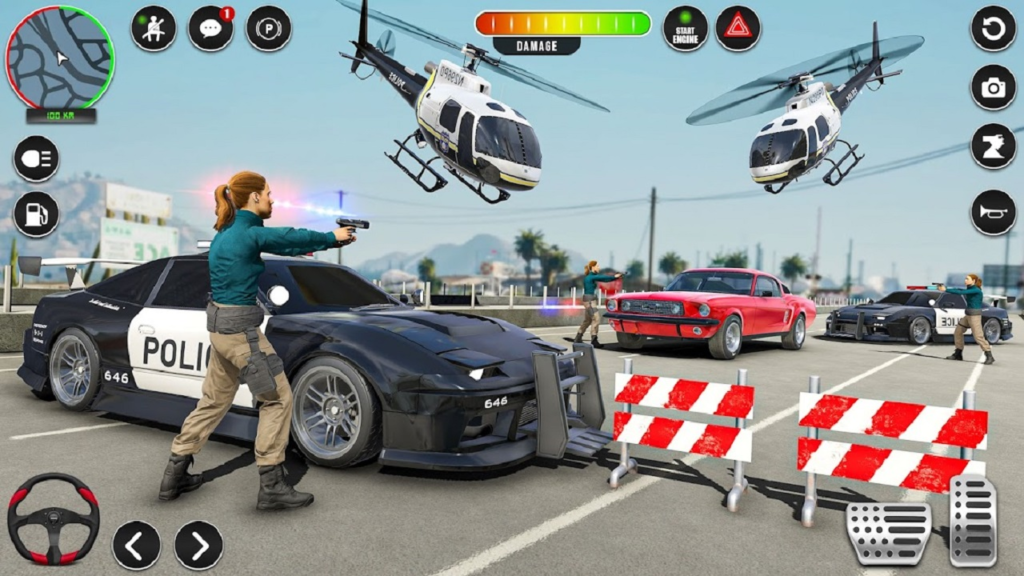
City Police Cars takes a simple concept—driving a police car through obstacle courses—and executes it with polish and charm. The 30 levels offer hours of progressively challenging gameplay. The jump mechanic adds a satisfying skill element. And the garage system, with buyable vehicles and upgrades, gives you a reason to keep playing.
This is not a game about high-speed chases or open-world exploration. It is a game about precision, timing, and mastery. Each level is a puzzle to be solved with your car. The feeling of clearing a difficult jump after multiple attempts is genuinely rewarding.
For children, it is a safe, fun introduction to driving games that also teaches hand-eye coordination and planning. For casual gamers, it is a perfect time-killer with just enough depth to stay interesting. For hardcore players, the challenge of perfecting every level (and unlocking every vehicle) provides completionist goals.
Because it is a free browser game with no download required, there is no barrier to entry. The embedded game above is waiting for you to start your engine. So step on the gas, time your jumps, and prove that you have what it takes to master City Police Cars.